Color Grading and Palette Adjustment from Reference Image
Change the colors in [Image1] to [desired color/style, e.g., warm tones, cool blue tones, pastel colors]. Keep the main subject and composition intact. Adjust lighting, shadows, and overall color bala...
The Prompt
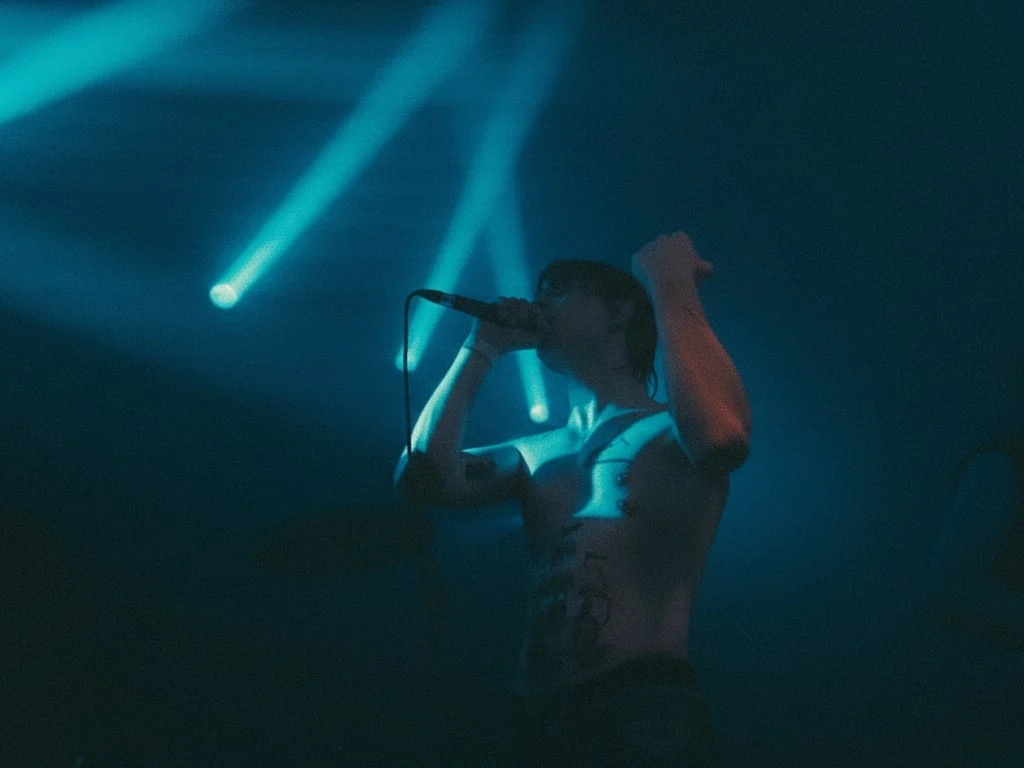 ## The Prompt Change the colors in [Image1] to [desired color/style, e.g., warm tones, cool blue tones, pastel colors]. Keep the main subject and composition intact. Adjust lighting, shadows, and overall color balance to match the new color scheme. Photorealistic, high-resolution, natural-looking result. ## Credits Author: [Marvin](https://www.fotor.com/blog/author/marvin-tompkins/)
Ready to test this prompt?
Copy it here, then open Nano Banana on C Dance AI to generate or refine the result with your own references.

The Prompt
Change the colors in [Image1] to [desired color/style, e.g., warm tones, cool blue tones, pastel colors]. Keep the main subject and composition intact. Adjust lighting, shadows, and overall color balance to match the new color scheme. Photorealistic, high-resolution, natural-looking result.
Credits
Author: Marvin
Related Prompts
35mm Film Style Flying Island
35 mm photo of Moscow floating in the sky on a flying islands.
3D Chibi Chinese Wedding Scene
Transform the two people in the photo into chibi-style 3D cartoon characters, dressed in traditional Chinese wedding attire. The overall theme is a festive red Chinese-style wedding. The background fe...
3D Chibi Proposal Scene
Transform the two people in the photo into chibi-style 3D cartoon characters. Change the scene to a proposal setting, with a soft pastel-colored floral arch in the background. Use romantic tones for t...